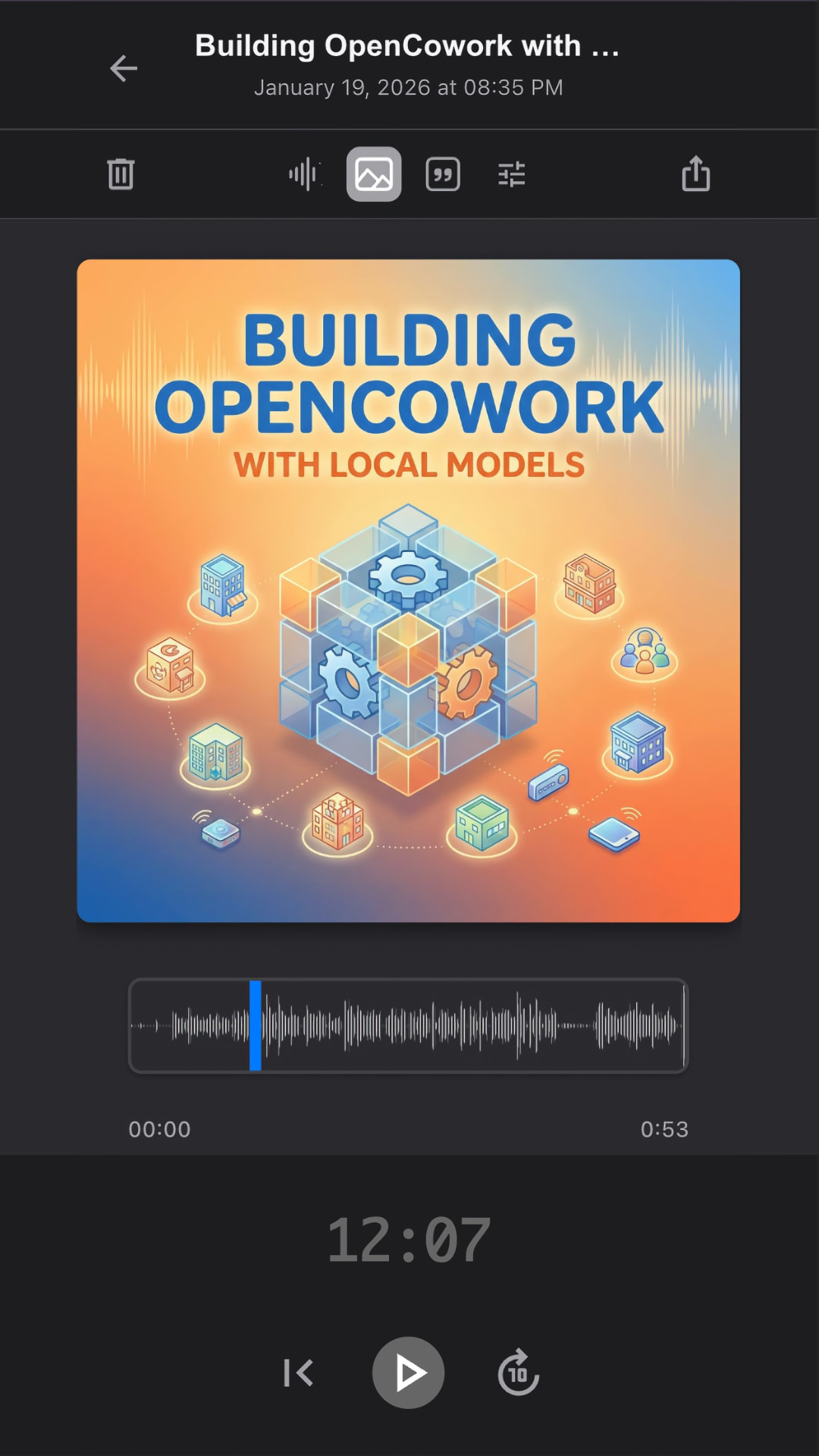
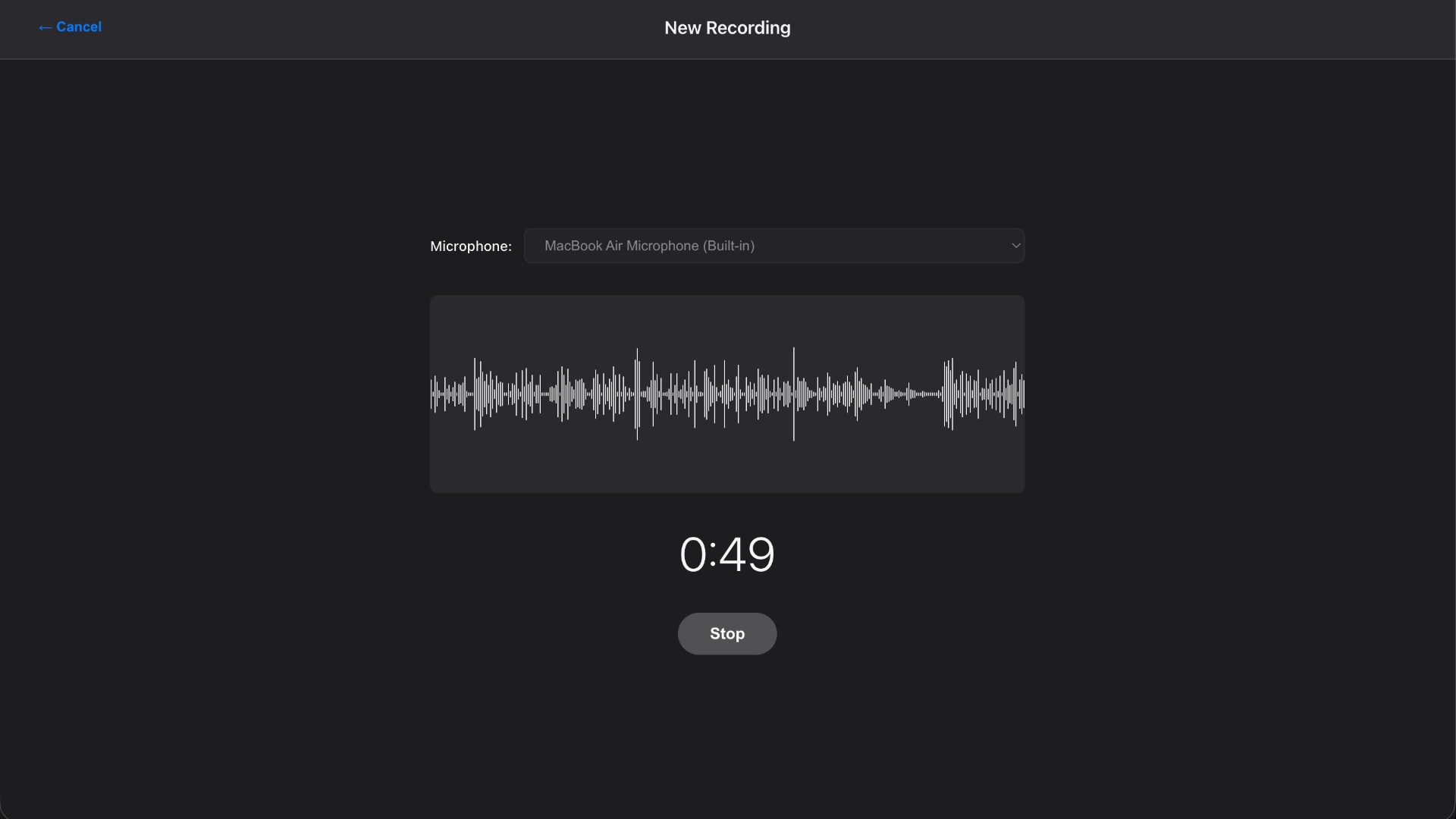
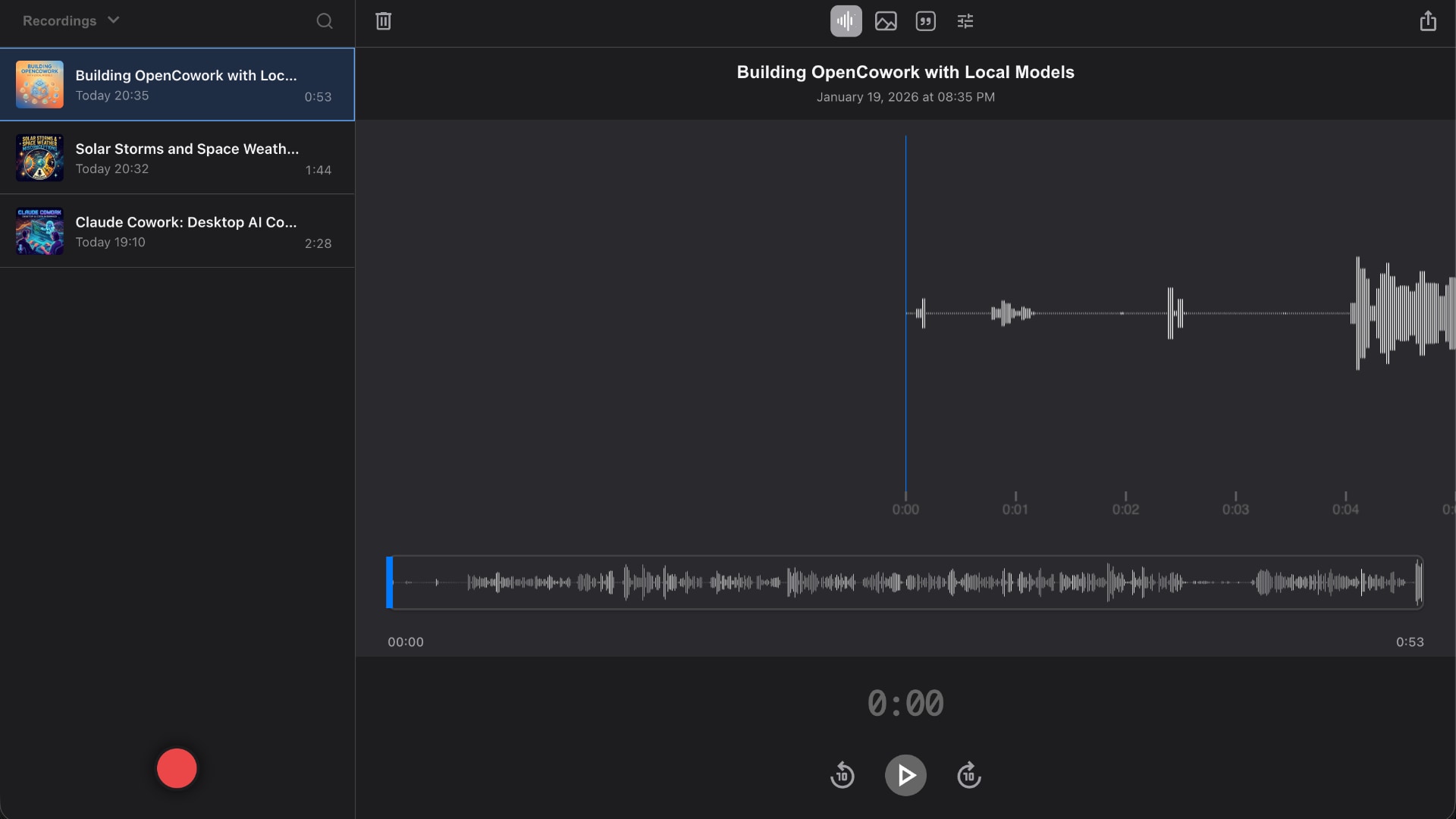
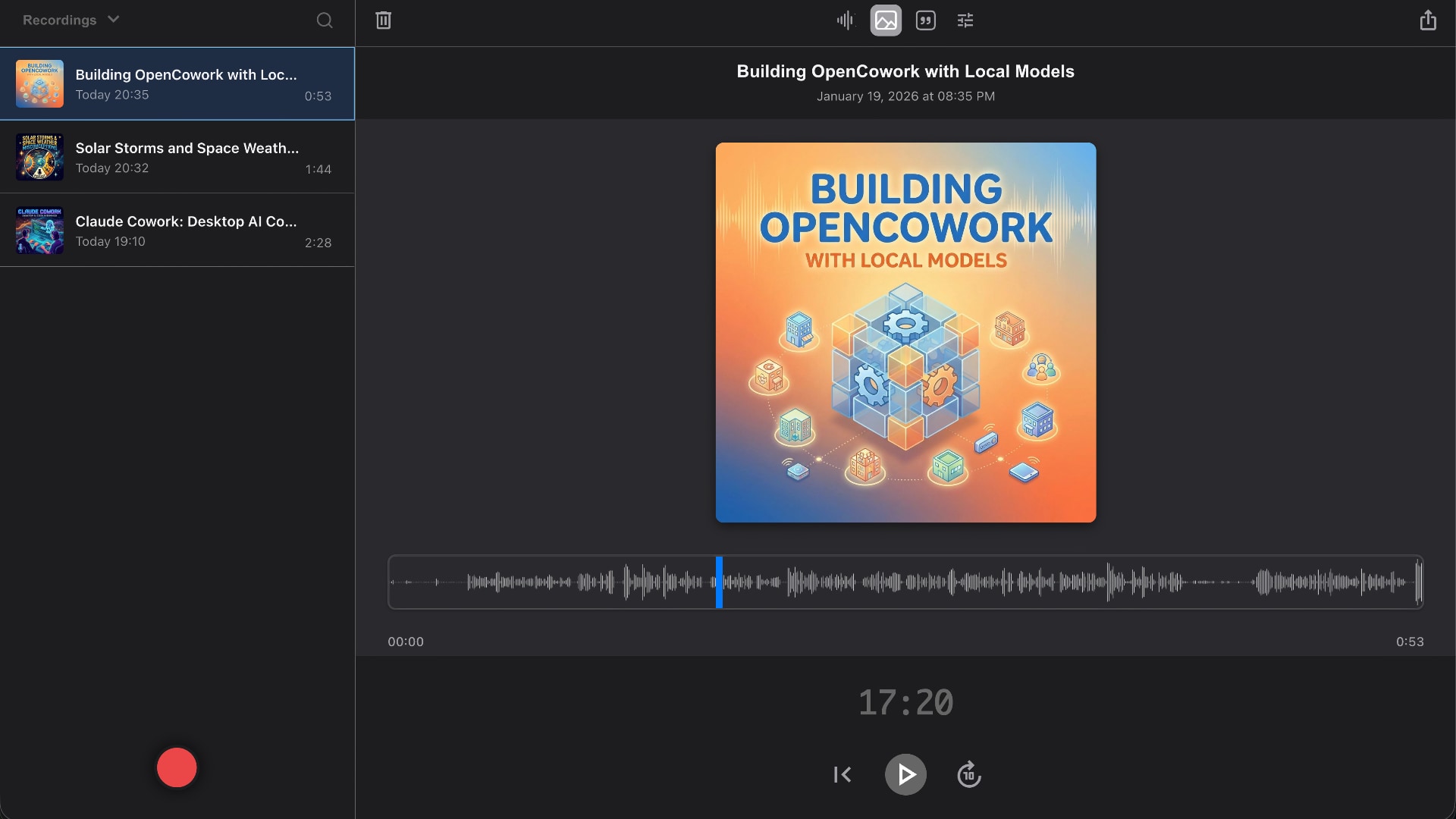
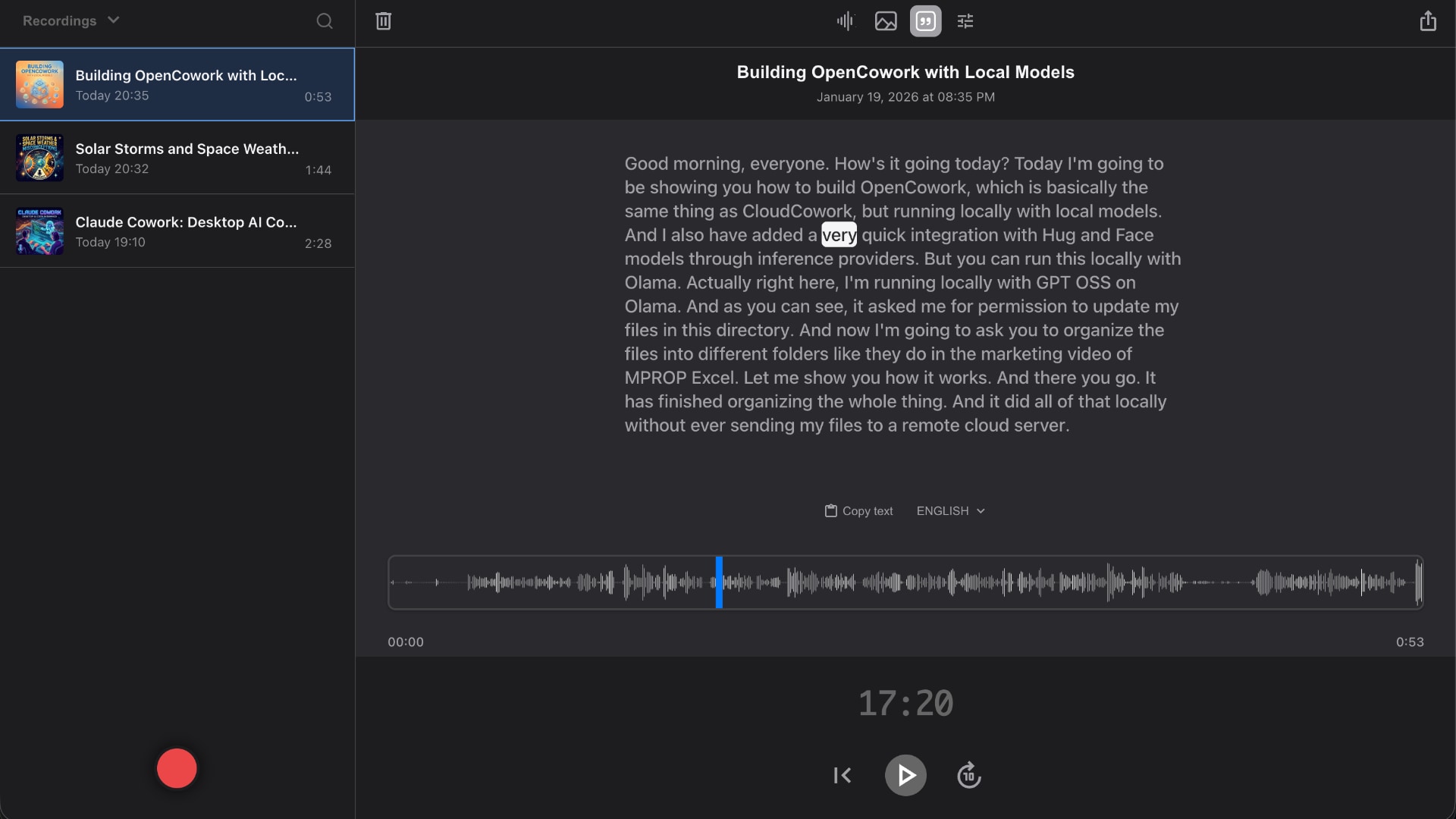
Record voice memos in your browser, trim audio, and download MP3 files. Start recording for free without an account, or sign in with Puter for AI transcription and cloud sync.
It's a Progressive Web App. Add it to your iPhone home screen, install on Android, pin it on macOS or Windows. No app store.
Works offline
Once installed, the app shell loads without a connection.
Privacy & cloud
Private cloud storage — your thoughts stay yours.
Recordings stay in your browser when you use the app as a guest. Sign in with Puter to save them to your own cloud storage and access them on other devices.
01
Local recording without an account
Guest recordings are saved in your browser and stay on your device.
02
Synced everywhere
Sign in to Puter to record on your phone and access your library on your laptop.
03
Yours to take
Download originals as MP3 anytime. No lock-in, no friction.
FAQ
Online voice recorder FAQ.
How much does it cost?
The app itself is free to use. Puter's Free plan includes 100 MB of cloud storage and limited AI access — enough to try it and keep a handful of memos. Heavy users can upgrade to a paid Puter plan (Basic from $10/mo) for more storage, expanded AI access, and accelerated bandwidth.
Do I need an account?
No. Open the app, press record, and you're going — as a guest your recordings are saved locally in your browser and never leave your device. Signing in with a free Puter account adds the AI features (transcription, language detection, cover art) and syncs your library to your own cloud storage so it's there on every device. Anything you recorded as a guest is uploaded automatically the first time you sign in.
How long can I record?
There's no time limit — recording runs until you stop it, and the screen is kept awake while it does. The practical ceiling is storage: 100 MB on Puter's free plan. For transcription, files over 10 MB are automatically re-encoded to a lower bitrate first, which keeps recordings of up to roughly 87 minutes inside the 25 MB limit on Whisper's input.
What audio format do I get?
MP3, always. Audio is encoded to 192 kbps MP3 the moment you stop recording, so what you hear in the app is exactly what you download. Export goes further and bakes the details into the file: title and date, your cover image embedded as album art, and the full transcript written into the ID3 lyrics tag — so the text travels with the audio into any player that reads it.
Can I trim or edit a recording?
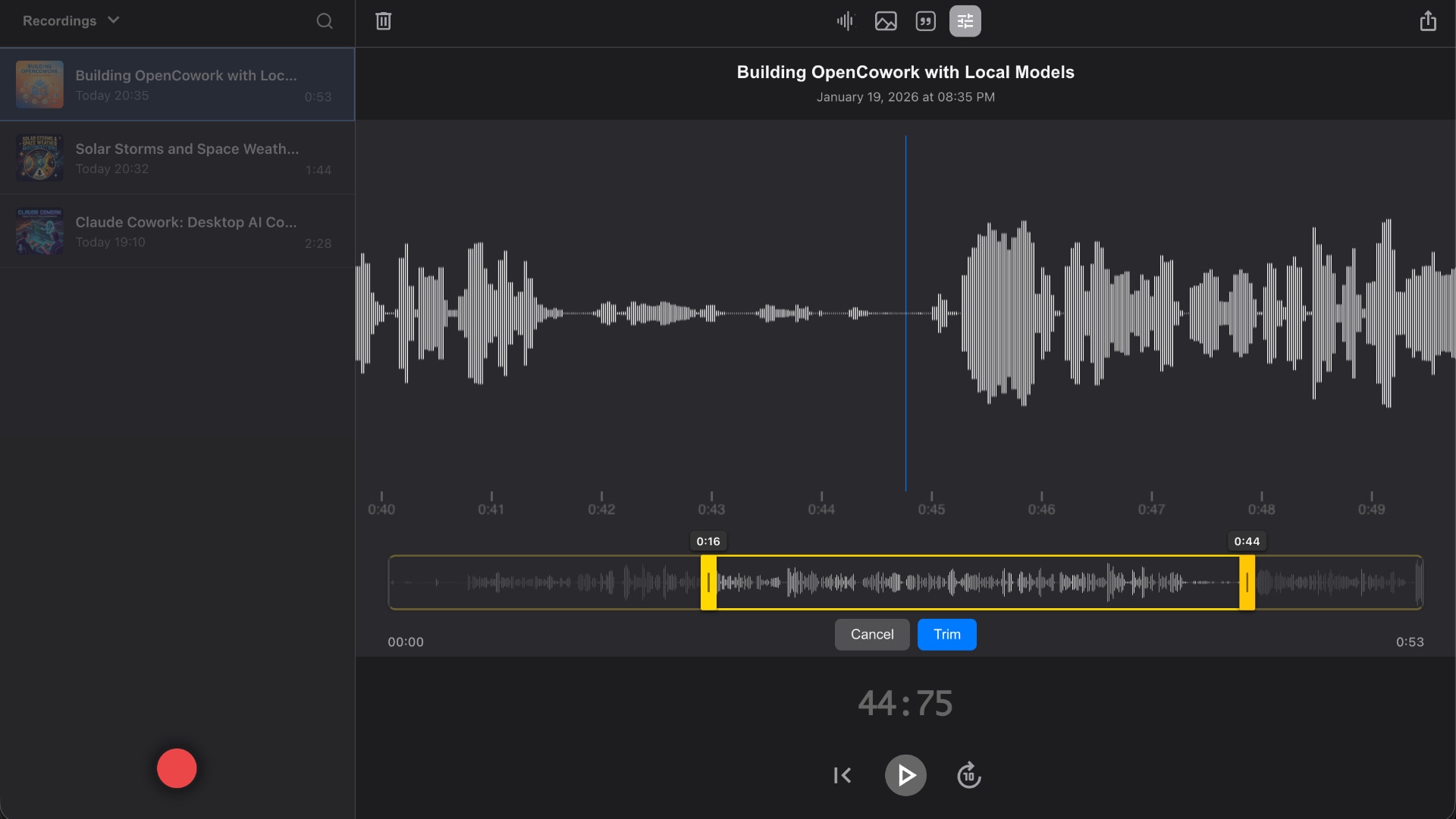
Yes. Trim mode puts draggable handles on the waveform — set the start and end, then commit. There's also a one-tap Normalize for a recording that came out too quiet. The first time you trim, the untouched original is backed up, so Restore original is always there if you cut too deep.
What happens if my browser crashes while saving?
The raw audio is written to a local backup before encoding even starts. If the tab closes or the browser crashes while a recording is being encoded or uploaded, the app finds that backup on the next load and finishes the job. And if your microphone is unplugged mid-recording, whatever was captured up to that point is salvaged and saved rather than lost.
Where are my recordings stored?
When you're signed in, recordings cache on your device first, then sync to your personal Puter cloud storage. As a guest, they stay in your browser and go nowhere else. Either way it's your account and your data — you can export or delete at any time, and you control who has access.
Which languages does the transcription support?
19 languages: English, Finnish, Swedish, German, French, Spanish, Italian, Portuguese, Dutch, Polish, Russian, Japanese, Chinese, Korean, Arabic, Hindi, Turkish, Danish, and Norwegian. The language is detected automatically, or you can pin a specific one.
Which browsers and devices does it work in?
Current versions of Chrome, Edge, Safari, and Firefox on desktop, plus Safari on iOS and Chrome on Android. There's nothing to download or install — no plugins, no extensions, no desktop software. All you need is a working microphone and the page loaded over HTTPS.
My microphone isn't working — what should I check?
Start with the browser's permission prompt: if you dismissed or blocked it, grant microphone access for this site and reload. If the app reports that no microphone was found, check that the device is plugged in and not held open by another app. When several inputs are available, choose the one you want from the Microphone dropdown on the recording screen — the level meter shows you immediately whether it's picking anything up.
Can I install it on my phone?
Yes — it's a Progressive Web App. On iOS, tap Share → Add to Home Screen. On Android, your browser will offer to install it. It runs offline and feels like a native app.
What's Puter?
Puter is an open-source cloud computer in the browser. It gives every user a personal cloud (storage, AI, hosting) with no API keys and no per-feature paywalls. This recorder is built on top of it.
Can developers build apps like this?
Yes. Puter.js is a free JS SDK for serverless cloud and AI features. Drop in one script tag, get cloud storage, AI, and auth — your users pay for their own usage, not you. See developer.puter.com.
Ready when you are
Press the red button.
Record locally in your browser, or sign in to save to your Puter cloud. No app store, no install required.